There's a Mac Mini on my desk that never sleeps.
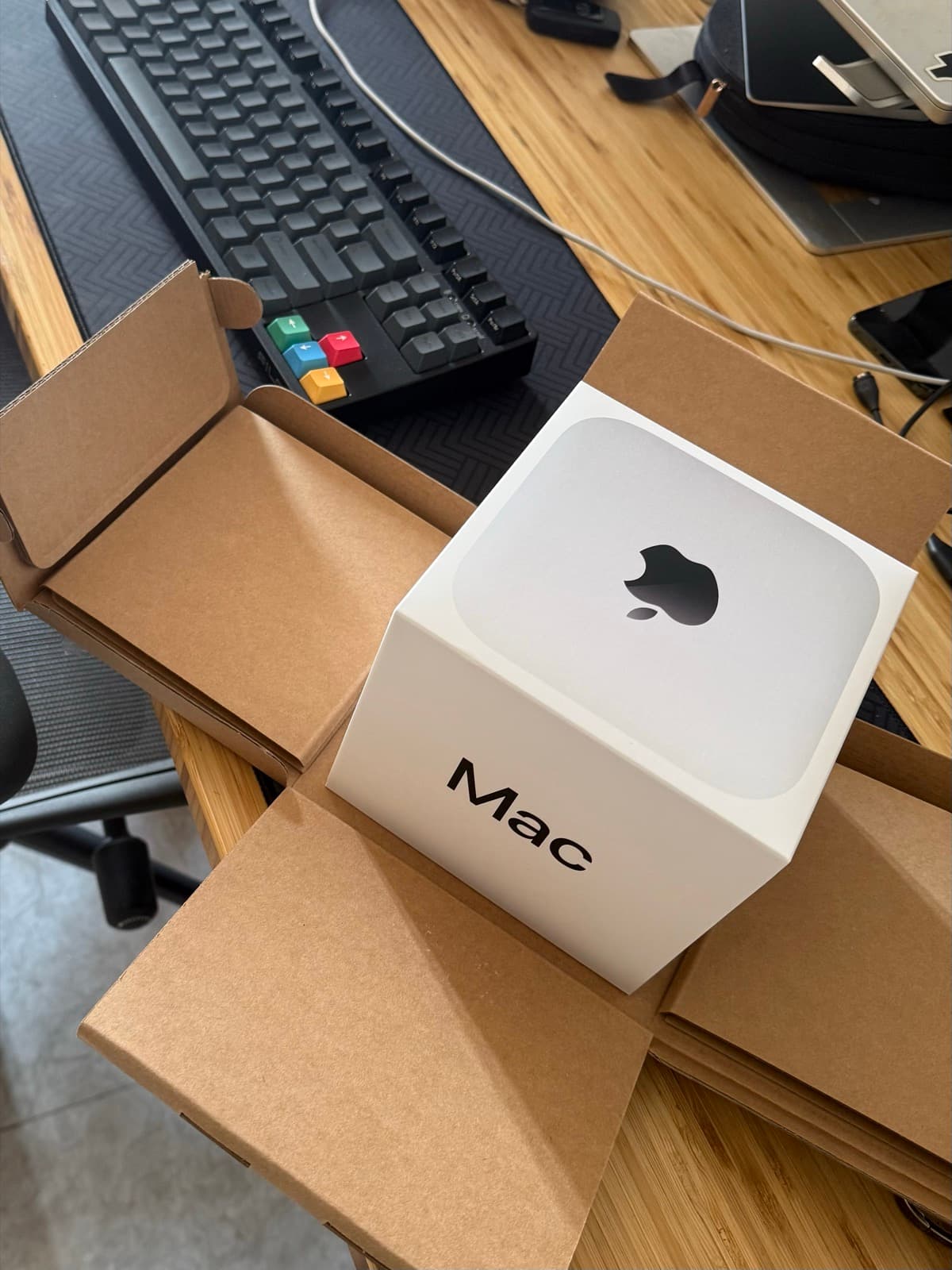
It runs my AI assistant. All day, every day. I message it from Telegram like I'd message a friend - "check if the iOS build passed", "what did I decide about the paywall last week", "summarize today's GitHub trending" - and the Mac does it.
No web dashboard. No SaaS. Just a small computer in my apartment doing my chores.
I've been running this setup for months now. This is the honest writeup: what it is, why I didn't use the popular frameworks, and where it still falls flat on its face.
Why I built this instead of using OpenClaw or Hermes
Let me get this out of the way first, because it's the question I get most.
OpenClaw and Hermes Agent both exist. Both are good. Both do roughly what my setup does - Telegram interface, skills, persistent memory. If you want something that works this weekend, use one of them. Genuinely.
I didn't, for one boring reason: money.
Both frameworks talk to models through API keys. You pay per token. That's fine when your assistant answers a few questions a day. It's not fine when it's running 24/7, indexing conversations at midnight, filtering news feeds, reviewing code, and processing dozens of tasks daily. The token bill stops being a rounding error.
My setup is built on top of Claude Code, which runs on a subscription. Flat monthly cost. The assistant can churn through fifty tasks on a Tuesday and the bill doesn't move.
That one difference changes what you're willing to automate. When every task costs tokens, you ration. When it's flat, you go "eh, have the assistant do it" for everything. The second mode is where it gets actually useful.
There's a second reason too: control. When I build it myself, I decide exactly what goes into the assistant's memory. No framework abstractions to fight, no plugin system to learn, no waiting for a maintainer to merge the thing I need. When something breaks at 2am, it's my Python script, and I know exactly which one.
(The third reason is that I clearly cannot resist building things I could just download. See also: every app on my phone.)
How it actually works
The architecture is less impressive than it sounds. That's kind of the point.
The Mac Mini runs 24/7 as an always-on local server. It sits on my desk, plugged into ethernet, doing nothing visually. Most boring computer I own. Most useful computer I own.
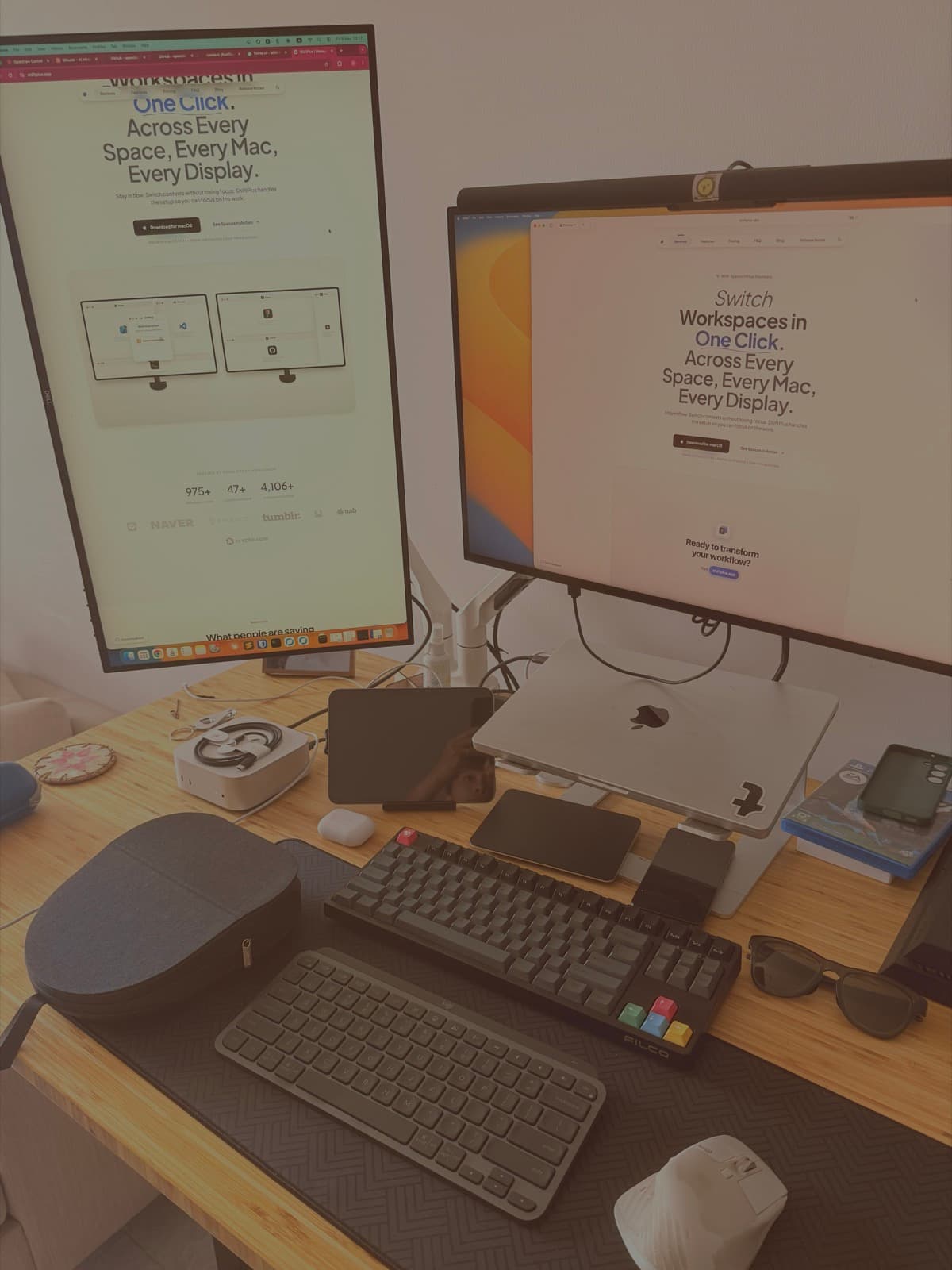
That's it in the corner of the desk, doing nothing visible while it does everything.
Claude Code runs persistently on it. That's the agent - the thing that reads files, writes code, runs scripts, makes decisions.
A Telegram bot is the interface. This is the part that makes it feel like magic even though it's the simplest piece. I pick up my phone anywhere, type a message, and my Mac at home does the work. Standing in line for coffee, I can ask it to kick off an iOS build. By the time I'm home, it's done.
Custom Python scripts handle the specific jobs: scheduled tasks, recall indexing (SQLite FTS5 - full-text search over everything we've ever discussed), a GitHub trending filter tuned to my interests, background iOS builds, that kind of thing.
LaunchAgents - macOS's built-in cron-like system - run the nightly routine. At 23:45 the Mac indexes today's conversations. At 23:50 it extracts learnings from them. I'm usually asleep. It doesn't need me.
That's it. No Kubernetes. No microservices. A Mac, a bot, some Markdown, and Python scripts held together with reasonable confidence.
The brain is just Markdown files
This is my favorite part, and it's also the least technical.
The assistant's memory - the "second brain" - is a folder of Markdown files:
context/- the current state of each project. What's shipped, what's blocked, what I decided and why.preferences/- how I like things done. My writing voice, my code style, which mistakes not to repeat.knowledge/- lessons learned. Bugs that burned me, App Store review quirks, things I'd otherwise re-learn every six months._inbox/- proposed new memories, pending my review.
That last one matters more than it looks. The assistant doesn't get to write directly into its own long-term memory. When it thinks it learned something worth keeping, it drafts a note into _inbox/, and I approve or reject it later. Memory with a review step.
Without this, the brain fills up with confidently wrong conclusions. With it, the brain stays something I actually trust. (I learned this the way I learn everything - by doing it wrong first.)
The whole vault is git-tracked and synced through a private GitHub repo. Every session, every machine, same brain. If the Mac Mini dies tomorrow, the memory survives. And I get diffs on my assistant's memory, which is a strange sentence to type but genuinely great - I can see exactly what it learned this week, line by line.
Which model does what
Two models, one rule.
Claude Sonnet handles anything that needs to be good: writing drafts, answering real questions, distilling insights from a day of conversations, reviewing my Swift code.
Claude Haiku handles anything mechanical: tagging notes, classifying tasks, filtering the news feed, sanity checks, formatting.
My rule of thumb: if the task has a clear right/wrong answer, Haiku. If the task needs to be good or clever, Sonnet.
You don't need a smart model to decide whether a GitHub repo is about iOS development. You do need one to tell you whether your paywall copy is any good.
And again - because this runs on a Claude subscription rather than pay-per-token API calls, I don't have to be precious about it. Haiku can classify a thousand things overnight. The meter isn't running.
What surprised me: the boring features won
I built this expecting the flashy stuff to matter. Autonomous agents doing multi-step tasks. Overnight code generation.
What I actually use every day:
Recall. "What did I decide about ShiftPlus pricing in June?" Answered in seconds, with the actual context, because every conversation is indexed. This alone justifies the setup. My memory is bad. The Mac's isn't.
The nightly digest. GitHub trending, filtered to things I'd actually care about. Five items instead of five hundred.
Fire-and-forget builds. "Build the app, tell me if it fails." I go make dinner.
Drafts in my voice. Because my writing preferences live in the brain, first drafts come out sounding like me instead of like a press release. I still edit everything. But editing is cheaper than starting.
None of this is a demo you'd put on stage. All of it compounds daily.
Honest limitations
This section exists because build-in-public posts that skip it are lying.
It fails silently sometimes. A LaunchAgent doesn't fire, a script dies quietly, and I find out two days later that nothing got indexed on Tuesday. Monitoring an always-on system is its own job, and I do that job badly.
Memory quality needs gardening. The inbox pattern helps, but stale context still accumulates. An assistant confidently citing my March plans in August is worse than one that says "I don't know."
It's not autonomous. It doesn't ship features while I sleep. It does chores while I sleep. Big difference. The dream of "AI runs my business" is nowhere near this desk.
Setup cost was real. Weeks of evenings. If you value your time honestly, OpenClaw would've been rational. I've made peace with not being rational about this.
Single point of failure. One Mac, one apartment, one power grid. The brain survives via GitHub, but the assistant itself goes down with the ship.
Closing
I don't think everyone should build this. Most people should not build this.
But if you're a dev with a spare Mac and a mild distrust of paying per token, it's a deeply satisfying project. You end up with an assistant that knows your projects, writes in your voice, and works while you sleep - made of parts you fully understand.
Mostly, I just like that there's a small computer on my desk quietly getting better at being useful to me.
That still feels a little unreal.
Built in public by @_nghialuong - solo dev, iOS and macOS apps.